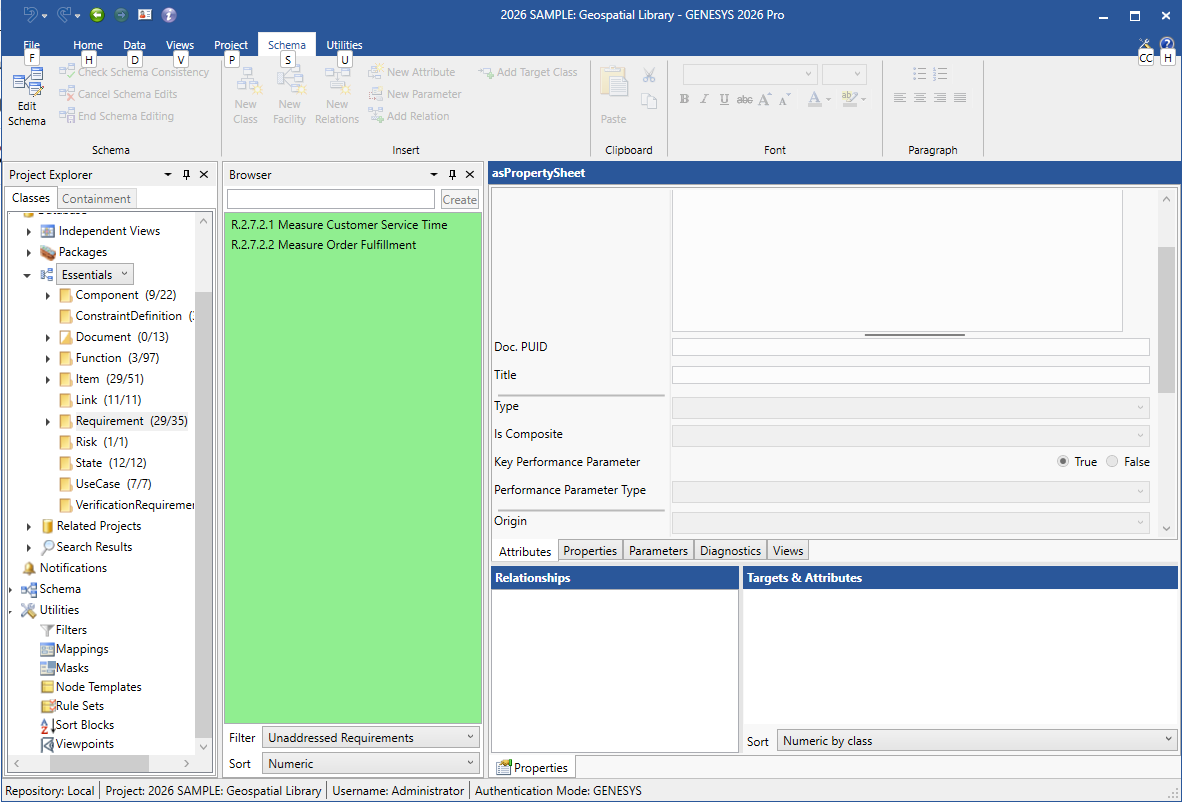
The Filters item in the Utilities section of Project Explorer enables you to limit the entities displayed. This provides project teams a great deal of utility value to better navigate the system model and focus on specific entities of interest.
Filters
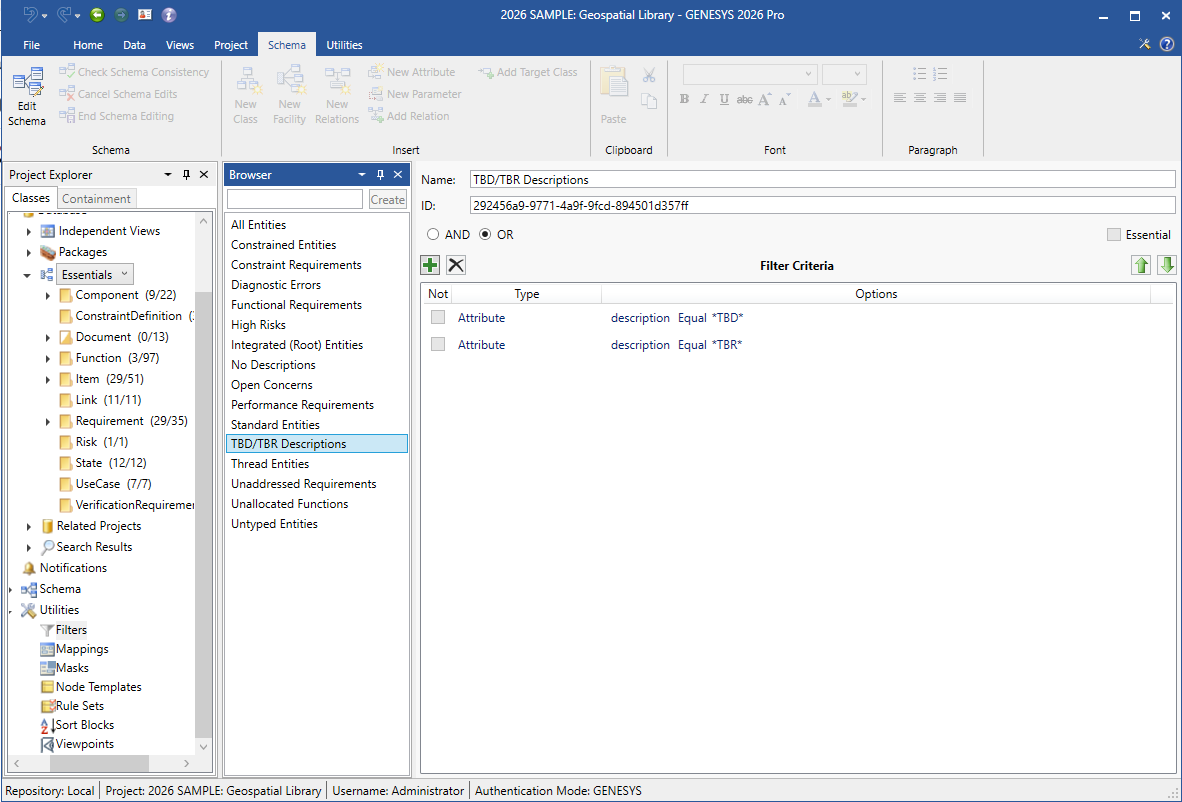
The Browser pane lists all defined filters in alphabetical order. Filters are defined on a per-project basis, enabling each project to maintain the collection of filters that best meet their needs. When you select a filter, the filtering criteria is shown in the property sheet.
Filter Properties
The filter properties include:
-
Name - the unique identifier of the selected filter. There are no formal restrictions on the name.
-
ID - identification number; must be unique
-
AND / OR - whether only one of the criterion has to be met or all of them.
-
Essential - a flag indicating whether or not this sort block is required by GENESYS. Essential sort blocks cannot be renamed or deleted.
-
Insert - insert a filter criteria statement into the ordered collection of criteria. Criteria can include the specific entity attribute values, specific entity system property values, the number of targets, and the presence or absence of diagnostic errors.
-
Remove - remove the selected filter criteria.
-
Filter Criteria - the collection of filter criteria defined for the filter.
-
Up Arrow / Down Arrow - Move the selected filter criteria up or down in the collection of filter criteria.
Filter Commands
Filter commands include:
-
New Filter
-
Duplicate Filter
-
Sort Filter Criteria
-
Delete Filter Criteria
-
Delete Filter
|
NOTE: |
When a filter is in use, the list of entities in the Browser pane displays with a green background to inform users that they may not be viewing all of the entities in the folder. The user can select filters from the drop-down Filter list located under the Browser pane. |