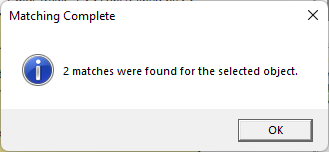
The Select Matching Node command, accessed on the right-click context menu, will highlight all nodes of the same entity on the current diagram and tell you how many matches were found.
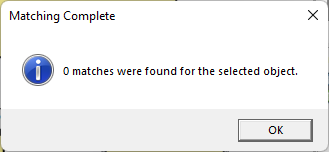
If no other nodes match the selection, the user is told that 0 matches were found on the diagram.