
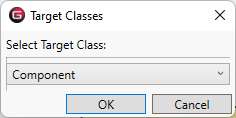
The New Constrained Entity command, accessed in the diagram Toolbox, enables you to create a new entity that is being constrained by the selected Constraint Definition. Target classes include Component, Function, Item, Link, Product, Program Activity, Verification Activity, or Test Item or their subclasses.
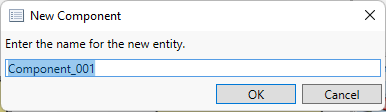
Depending on the general preference setting, GENESYS will either insert an item with a default name or prompt for a new name.
|
NOTE: |
To force GENESYS to prompt you to name the new entity, hold down the CTRL key. |