
New View Based on Default View
-
To create a new view of the diagram based on the default layout of the diagram, select theView icon on the Diagram tab and select New on the drop-down menu.

-
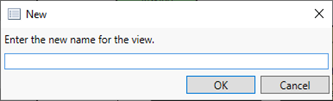
Enter a name for the new view in the window that displays.
A new view with the same layout as the original view is created with the new name that you assigned.