

To add a new exit transition for the target state, double-click or drag-drop the New Exit Transition item from the Insert Constructs tab of the diagram Toolbox.
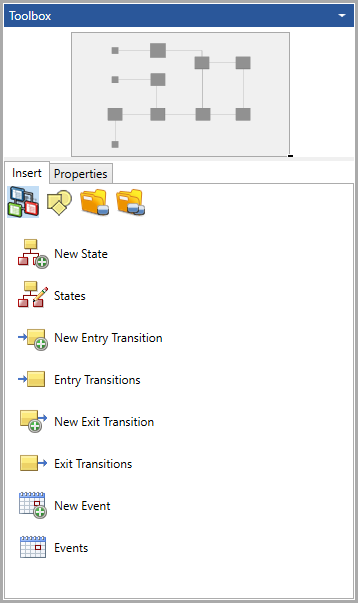
Depending on the general preference setting, GENESYS will either insert an item with a default name or prompt for a new name.
|
NOTE: |
To force GENESYS to prompt you to name the new entity, hold down the CTRL key. |