
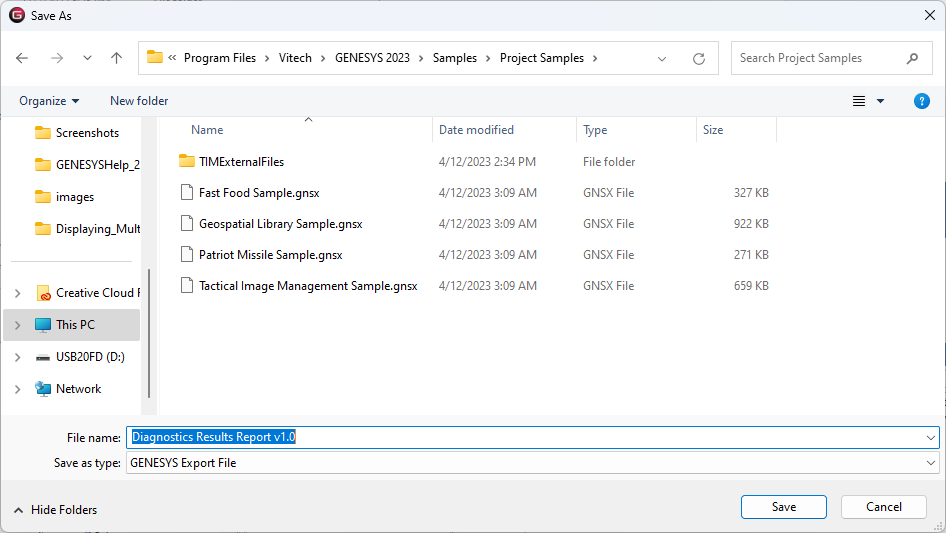
The Export Report command, accessed on the right-click context menu, allows you to save a report or a folder of reports as a GNSX file to use as backup or to share.
To import a saved report, use the Import command.

The Export Report command, accessed on the right-click context menu, allows you to save a report or a folder of reports as a GNSX file to use as backup or to share.
To import a saved report, use the Import command.