

The Rename Folder command, accessed on the right-click context menu, enables you to change the name of the selected folder.
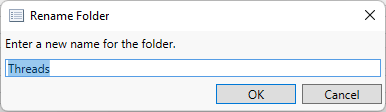
You will be prompted to enter a new name for the folder.
As with directories within Microsoft Windows®, names within a folder must be unique. The same folder name can be used in different folders, but within a given folder, each subfolder must have a unique name.