

The Remap ID command, accessed in Administrative Tools under the Projects tab, enables a Project Administrator to remap the project ID.
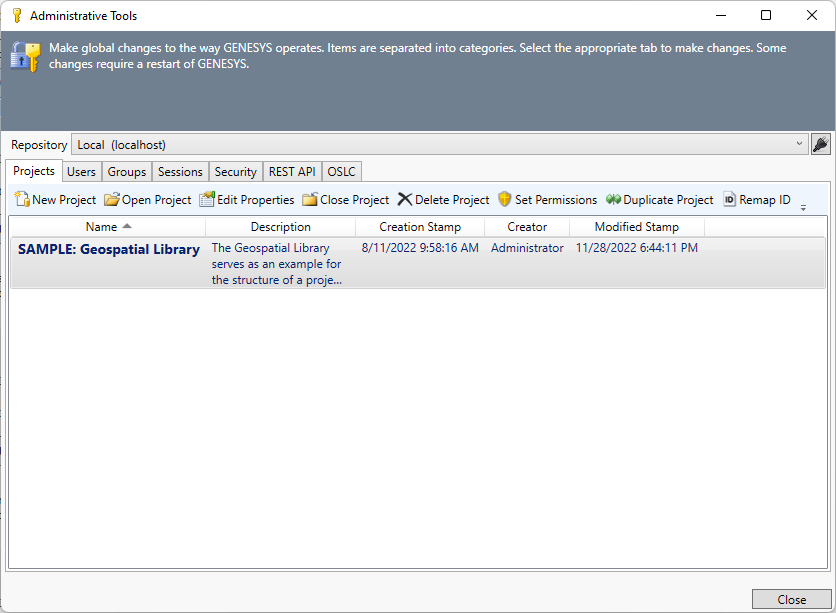
At the dialog that opens, enter the new ID. The project ID must be unique.
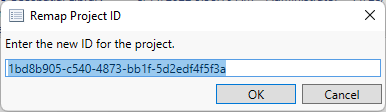
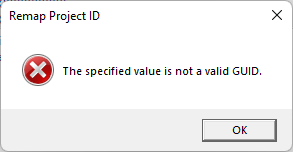
Copy and paste or change a digit when entering a project ID to ensure it is in the correct format. An error message displays if you enter an invalid project ID.
|
NOTE: |
What permissions are required to remap a project ID? To remap a project ID, the user must have Full Control access to the project. |