


The Distribute Nodes function allows you to select nodes (a minimum of 3) using <shift>+ <select> in a diagram. Once all the nodes are selected, you can select distribute nodes horizontally as well as vertically, depending on the selected command. If you choose to distribute horizontally, GENESYS will take the space between the left-most and right-most edges of the selected nodes, and divide the space evenly based on the number of selected nodes such that the space between the nodes will be evenly distributed. If you choose to distribute vertically, the same function is performed based on the top-most and bottom-most edges.
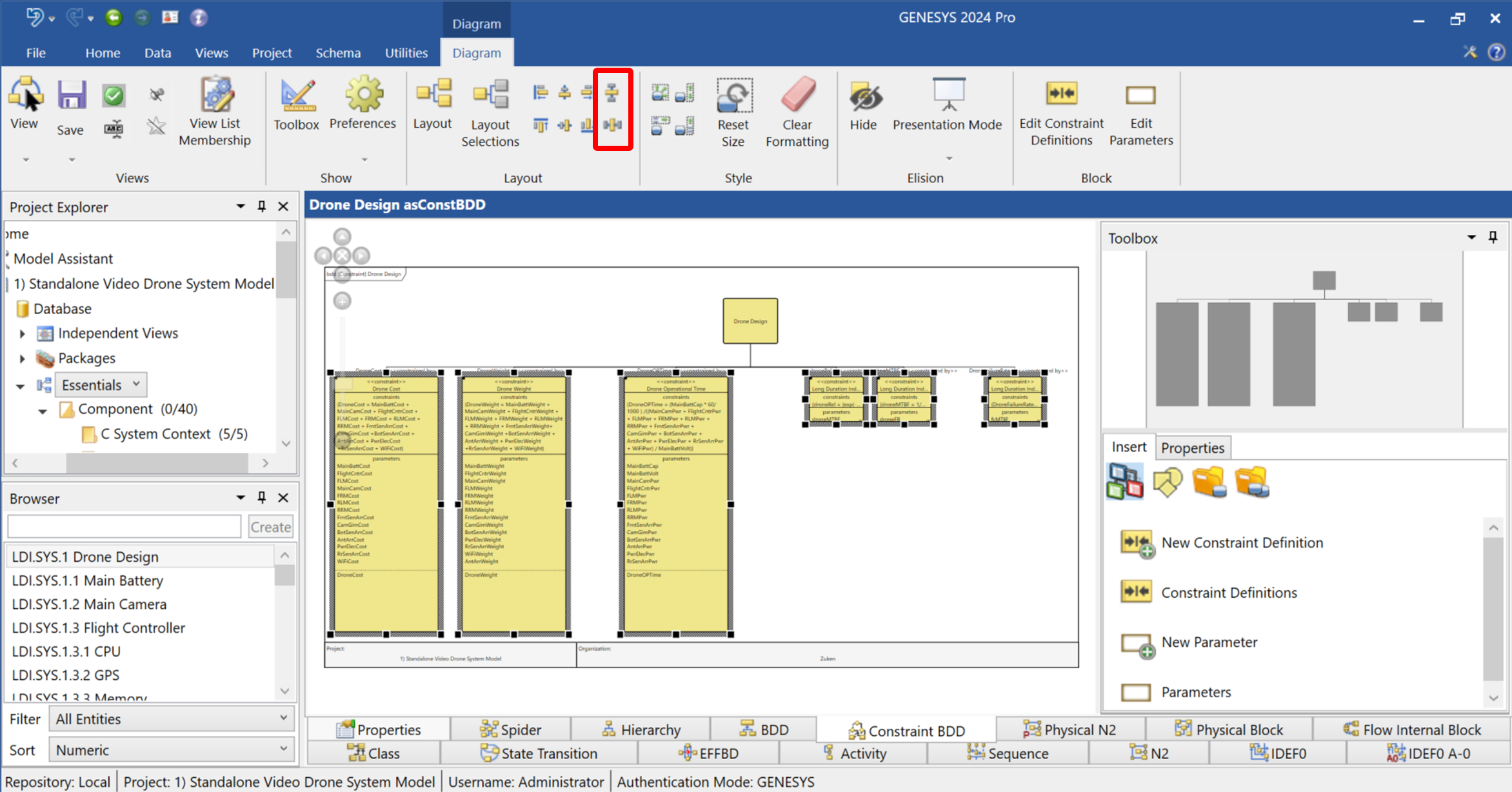
In the screenshot below, you can see uneven horizontal spacing between the constraint blocks. Instead of manually adjusting the spacing, you can shift-select all the blocks and click on the Distribute Horizontally command, which is the bottom icon inside the red rectangle (the top icon is the Distribute Vertically command). Note that these icons are greyed out until the nodes you wish to distribute are selected.
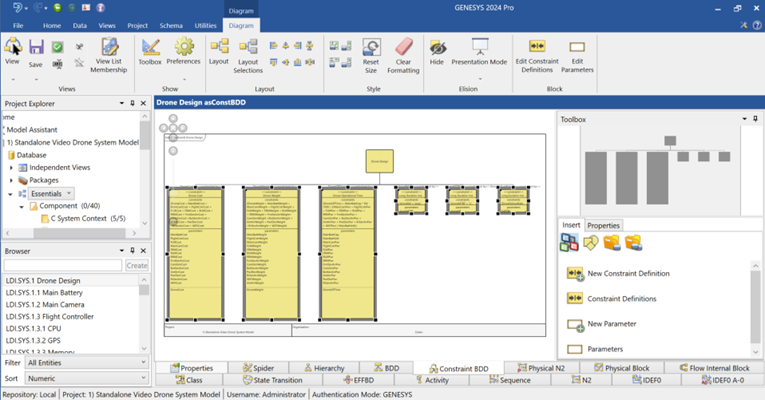
After executing the command, the nodes will be distributed evenly and appear as below.