

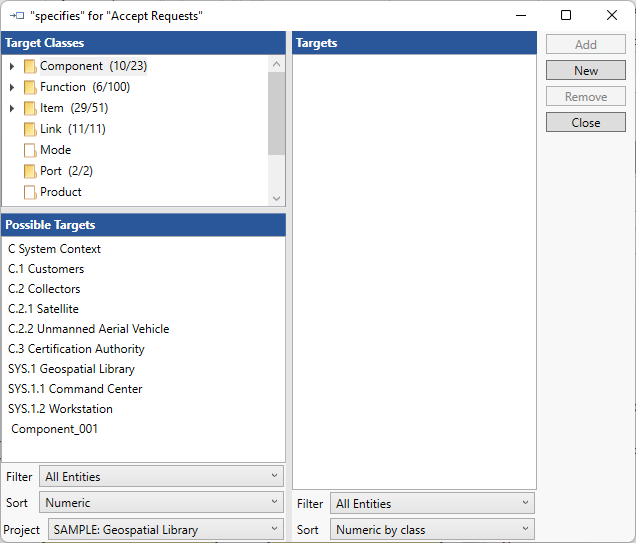
The Edit Specifies or Blocks command allows you to specify the specifies target entity for the currently selected requirement. The command opens a target window on the specifies relation from which you can add or remove entities as desired.
|
NOTE: |
Allocating a single entity can often be accomplished most quickly by dragging and dropping from the diagram Toolbox - either by dragging the Blocks construct from the Insert tab Constructs, or by dragging the specific entity to be added from the Key Entities listing. |