
The Rule Conditions are the collection of statements that have to evaluate to true in order to take the Rule Action specified.
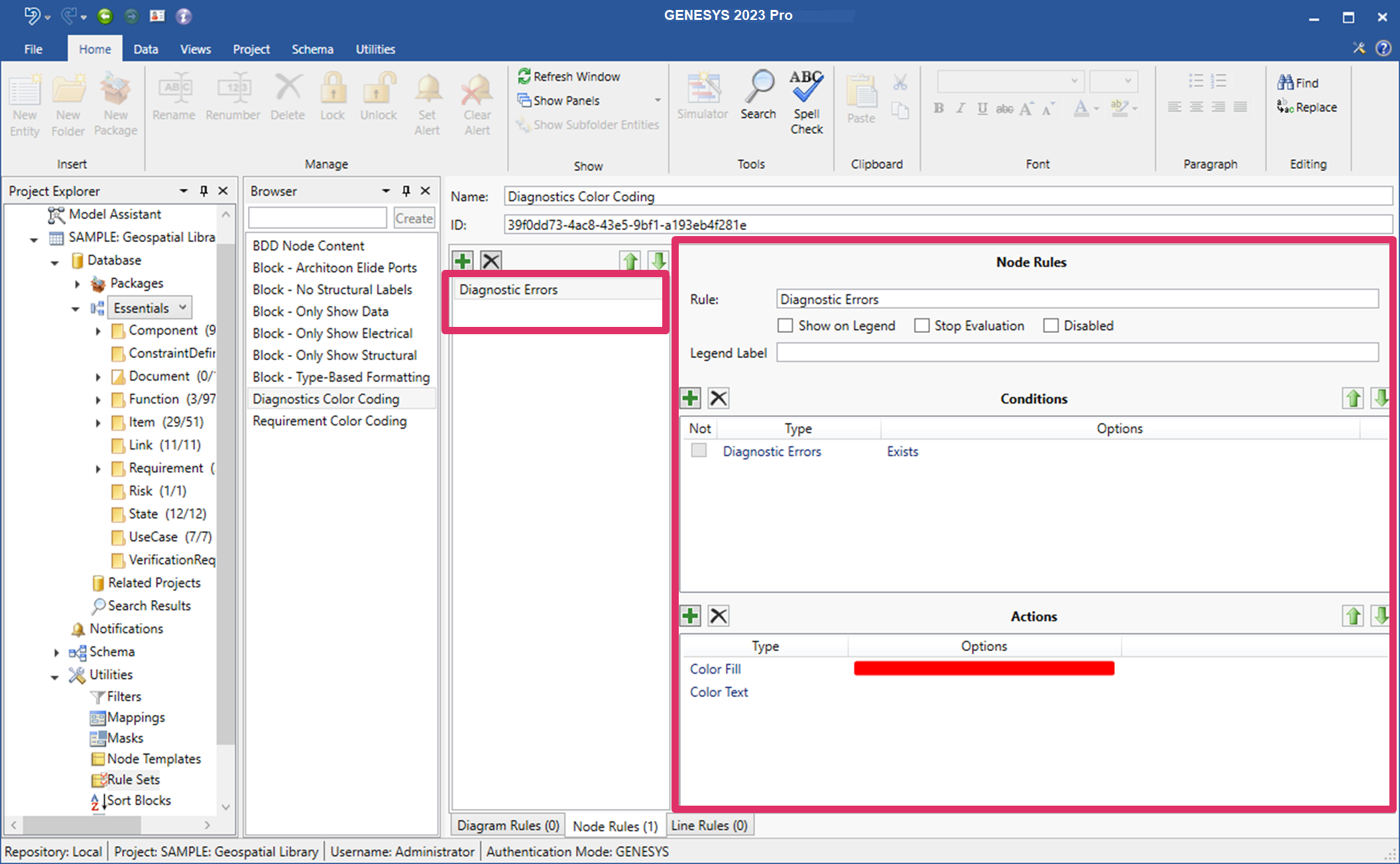
Conditions
The condition portion of the rule is made up of one or more statements which are tested when the rule is activated. If more than one statement, these condition statements all have to be true in order for the action to be taken. There is also a Not column that flips the evaluation making Always true and Not Always false.
-
Always - evaluates to true
-
Attribute - the selected attribute for the entity evaluated against the statement using one of the following:
-
Equal
-
Not Equal
-
Less Than
-
Greater Than
-
Between
-
Is Empty
-
Is Null
-
-
Class - if the entity is in the selected class
-
Construct (diagram level only) - if the object matches the selected construct. Constructs are one of the following:
-
Exit
-
Iterate
-
Loop
-
Loop Exit
-
Parallel
-
Replicate
-
Select
-
-
Cross-project - if the entity is in a different project
-
Diagnostic Error - if the entity has a diagnostic error
-
Node Type (diagram level only) - if the object is of the selected node type. Node types can be:
-
Actor
-
Constraint
-
External
-
Interface
-
Item
-
Lifeline
-
Link
-
Node
-
Package
-
Parameter
-
Resource
-
-
Parameter - the number of parameters on the entity using one of the following:
-
Equal
-
Not Equal
-
Less Than
-
Greater Than
-
Between
-
Is Empty
-
-
Target - the number of targets for the selected relation on the entity using one of the following:
-
Equal
-
Not Equal
-
Less Than
-
Greater Than
-
Between
-
Is Empty
-
Target Entity - if the entity is connected to the selected entity
-