
The Delete Report command, accessed with the right-click context menu, permanently removes the selected report or folder from the project. Prior to deletion, GENESYS will prompt to ensure you wish to discard the report.
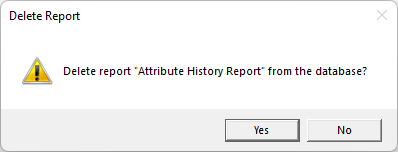

The Delete Report command, accessed with the right-click context menu, permanently removes the selected report or folder from the project. Prior to deletion, GENESYS will prompt to ensure you wish to discard the report.