

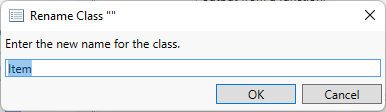
The Rename Class command, accessed on the right-click context menu when editing the schema under the Schema ribbon, enables you to change the name of the selected class.
You can also rename a class by entering a new name in the class property sheet.
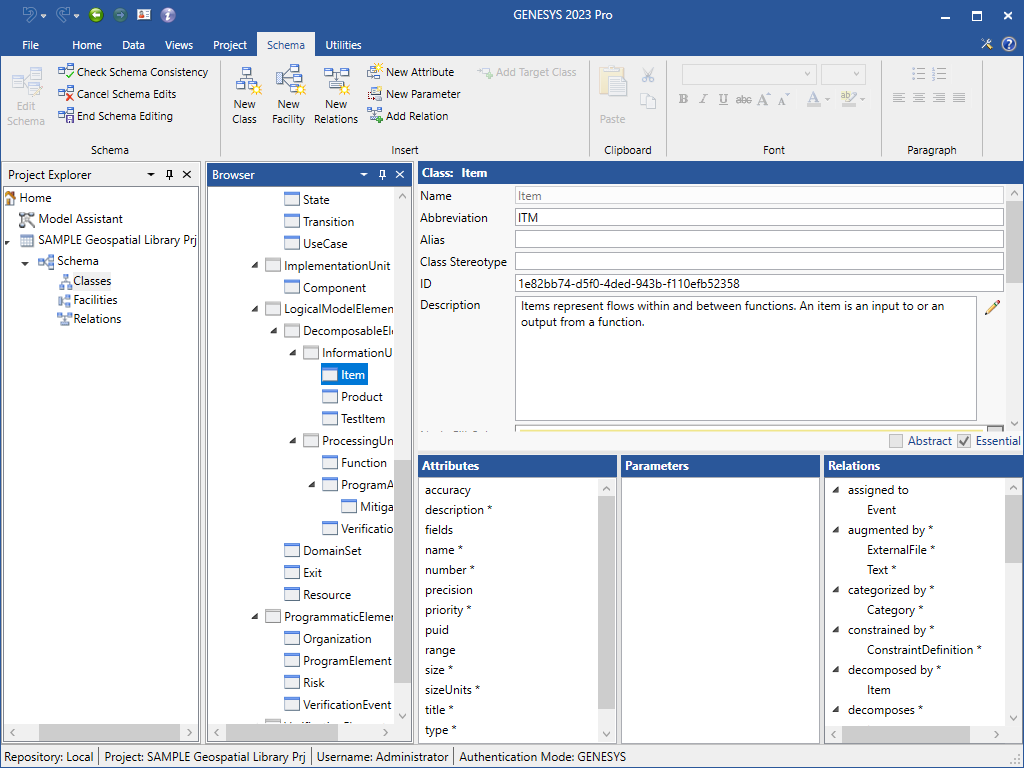
By convention, classes are named using title case and do not include spaces. However, these are not requirements. Class names may begin with lowercase letters and may include spaces. The only hard requirement is that all classes within a project have unique names. However, it is recommended that the convention be observed and that aliases be used to if spaces are desired.
Classes marked as essential cannot be renamed.
|
NOTE: |
The name of a class is used for internal reference and is shown in database mode only if an alias has not been specified. Therefore, if you wish to change the name shown in the database mode, modify the class alias. Though the name of a class marked as essential cannot be changed, an alias can be applied to any class to tailor the system definition language to your particular project or application. |