The Edit Part Multiplicity command allows you to edit the part multiplicity between two components. PartMultiplicity is the potential number of instances of the part built into the whole. This can be specified as zero, a whole number, or a range from a lower bound to an upper bound.
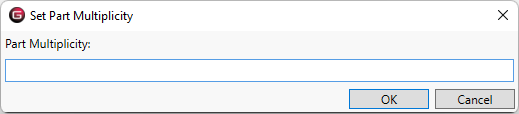
From the Block Definition Diagram (BDD), the dialog looks like:
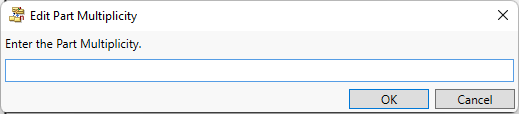
From the Class diagram, the dialog looks like: