
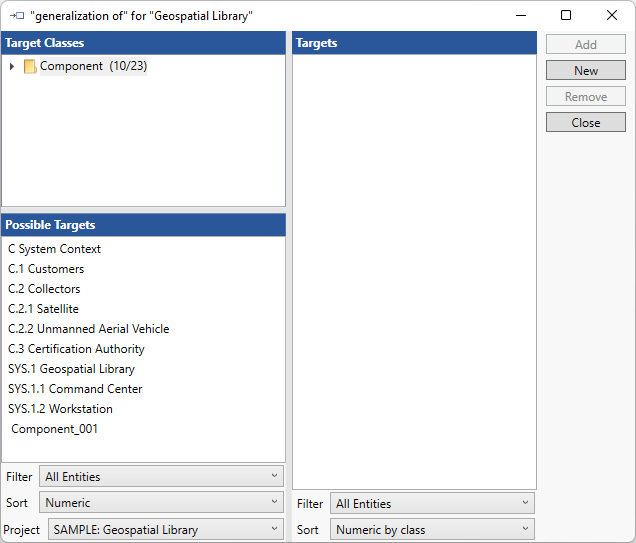
The Edit Specializations command enables you to manipulate the collection of entities that are specializations of the current selection. The command opens a target window on the generalization relation from which you can add or remove as desired. It works for Component and Use Case entities.

NOTE: |
If you simply wish to add specialization to a target class, often this can be accomplished most quickly by dragging and dropping from the diagram Toolbox via the Key Entities tab or by dragging and dropping a construct from the Constructs tab. |