

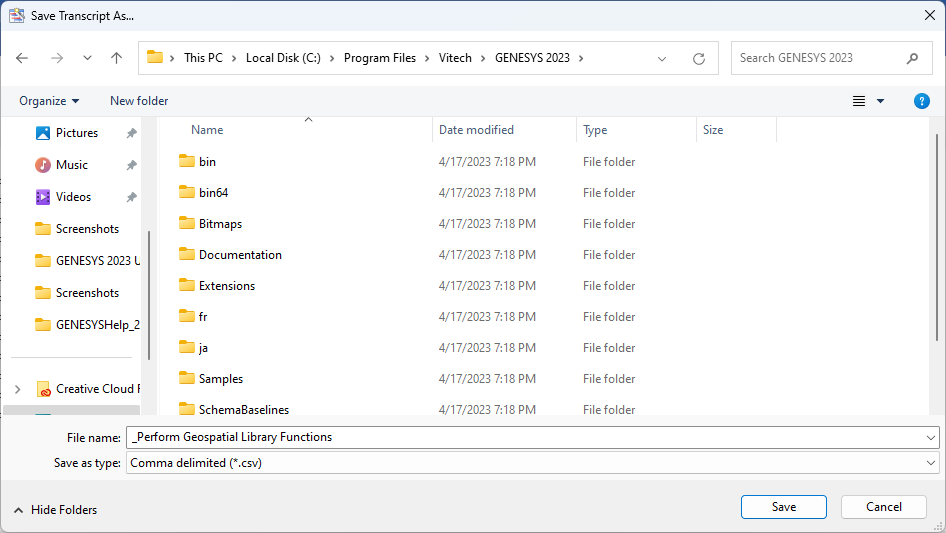
The Save Transcript command, accessed on the Simulator tab, enables you to save a simulator event transcript to disk, using the standard Microsoft Windows® file dialog, for further analysis purposes. The transcript is written in CSV (comma separated value) format suitable for direct import into Microsoft Excel® or other tools for post-processing.
|
NOTE: |
A complete description of the simulator transcript contents can be found in Appendix B of the Simulator User Guide. The appendix describes each field and how to interpret the contents accurately so that you can perform any next-level analysis, as desired. |