
Eliding (Hiding) Diagram Content
The Presentation Mode command, accessed on the Diagram ribbon, enables GENESYS users to elide (hide) various content in diagrams in various contexts. Elision is a SysML concept that enables both delivery of comprehensive, complete, correct representations from underlying models and enables customers to focus on areas of interest by hiding content.
-
To mark an item on a diagram for elision, select it and click the Hide icon on the Diagram ribbon, or right-click the item and select Hide on the drop-down list that appears.
|
NOTE: |
To mark several diagram items for elision at once, hold the SHIFT key down while selecting items. Any selectable object in the diagram can be elided, including nodes, lines, and overlay objects like images, notes, and shapes. |
|
NOTE: |
Dependent content that would not appear on the diagram if the object it is dependent on were not present will also be hidden. |
The diagram display mode determines if the elided content will display on the diagram.
-
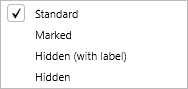
Select the display mode by clicking the Presentation Mode icon on the Diagram ribbon and then selecting one of the four display mode options (Standard, Marked, Hidden (with label), Hidden) from the drop-down menu that displays.
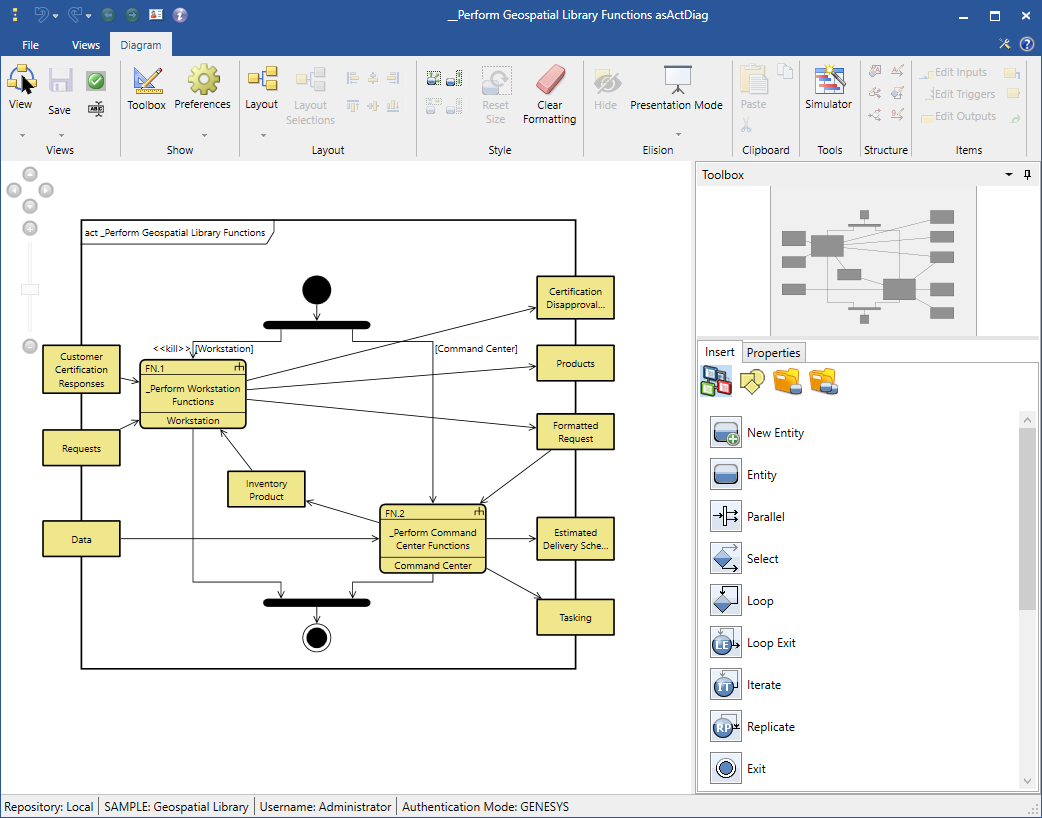
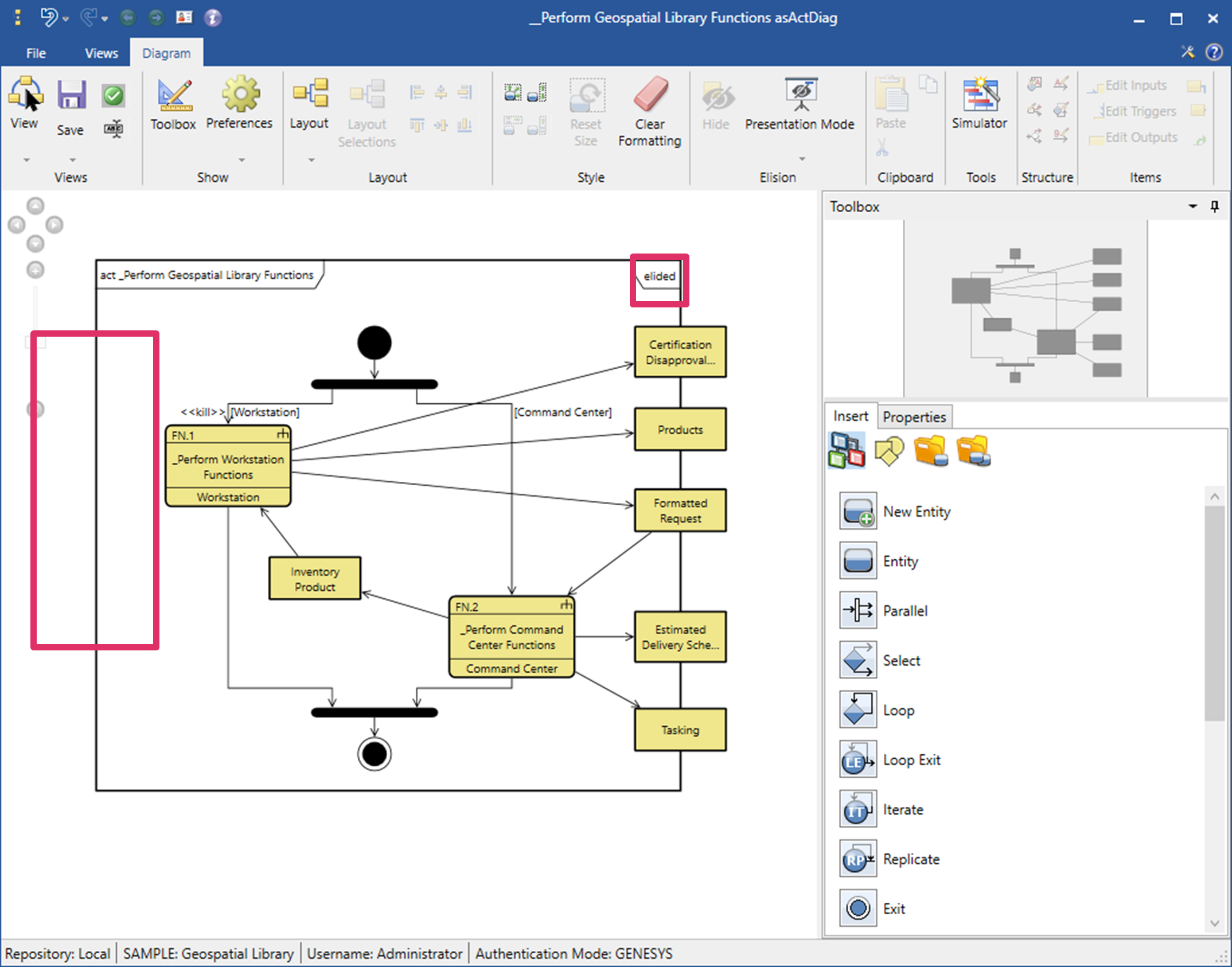
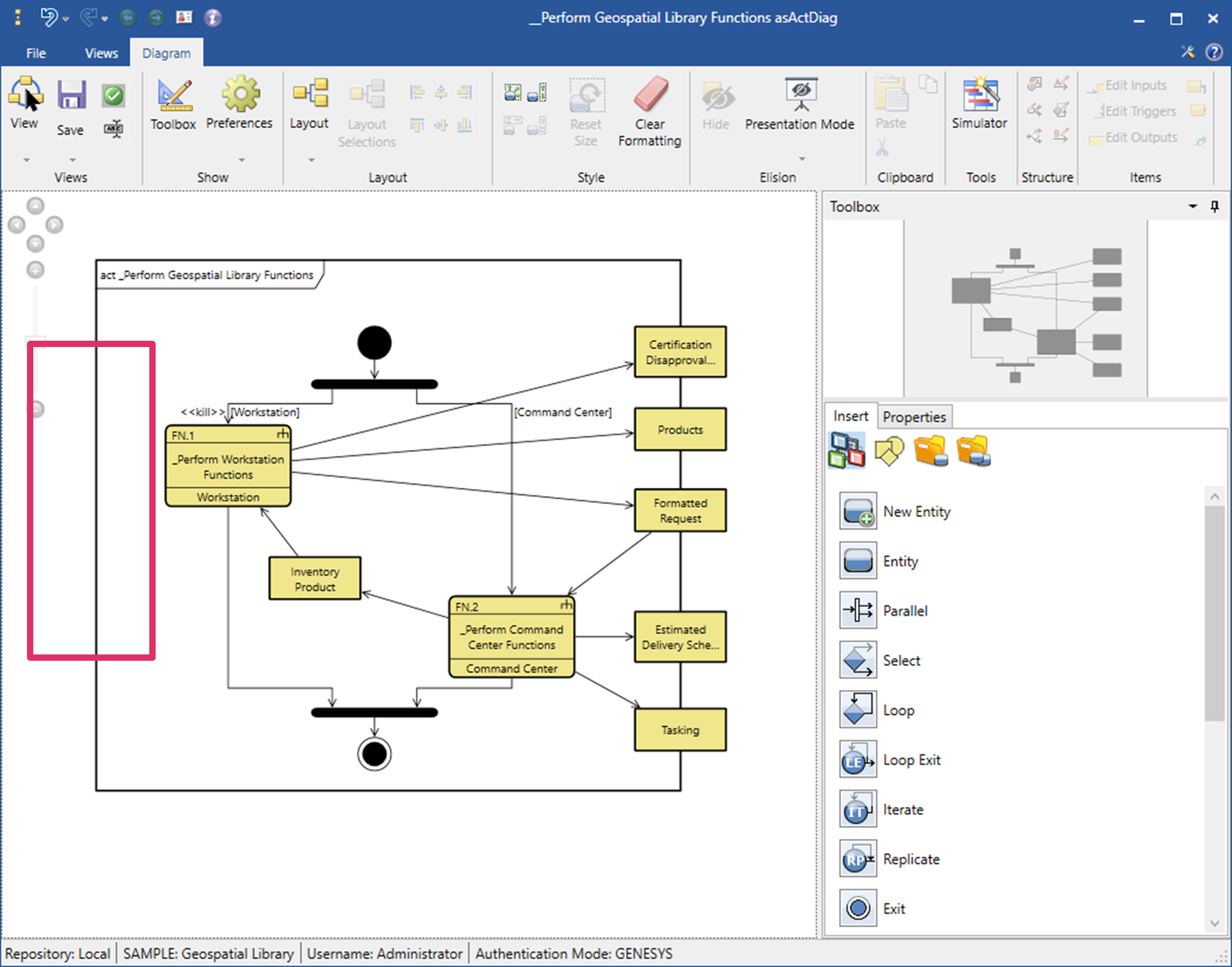
The four display modes are shown below in the Activity Diagram.
Standard Display Mode
Standard display mode is the default mode for all diagrams. In Standard display mode, all diagram content displays, including items marked as elided.
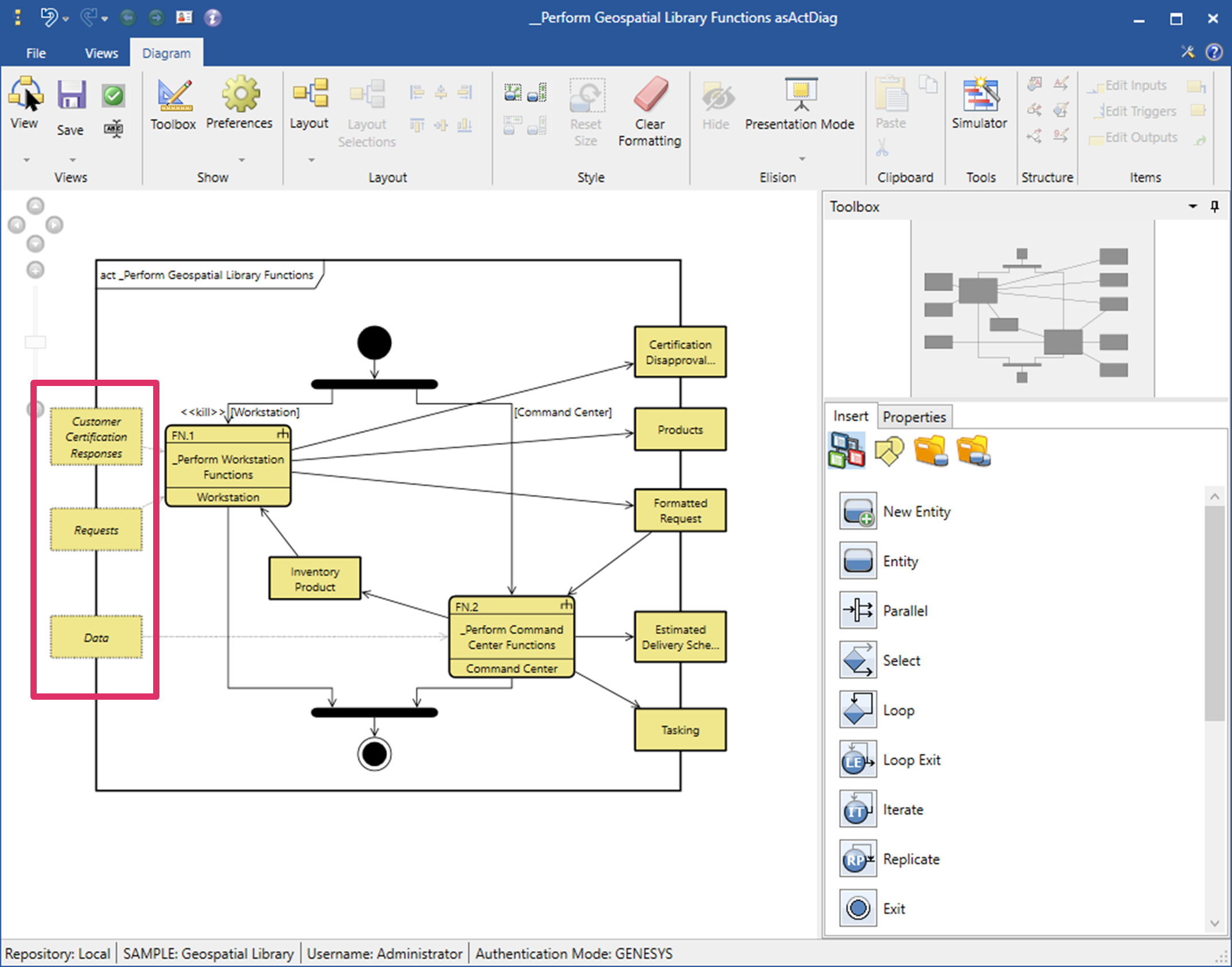
Marked Display Mode
In Marked display mode, all diagram content marked as elided and all dependent content displays with dashed borders and italicized text.
Hidden (with Label) Display Mode
Hidden (with label) display mode hides all diagram content marked as elided and all dependent content. A SysML-style frame block displays elided on the upper right corner of the diagram frame. For technical audiences, it may be important to clearly communicate that some content in the diagram has been hidden.
Hidden Display Mode
Hidden display mode hides all diagram content marked as elided and all dependent content in the diagram.
Tge display mode is saved as a setting for the diagram after a user selects a new display mode and then saves the diagram. The diagram will open the next time with the saved display mode.
When viewing a diagram, users can switch back and forth between the display modes by selecting the options on the Elision drop-down menu.