
Create Multiple Views of a Diagram
GENESYS has the capability to create multiple views of a diagram. This feature enables GENESYS users to create several versions of the same diagram with different properties, styles and templates containing different information. It also saves time for GENESYS users since they can create new views from previously-formatted views or from the default view.
The sample below shows the default view for the Geospatial Library EFFBD diagram, created with a template containing name, number and allocation information and with yellow fill color selected for the nodes.
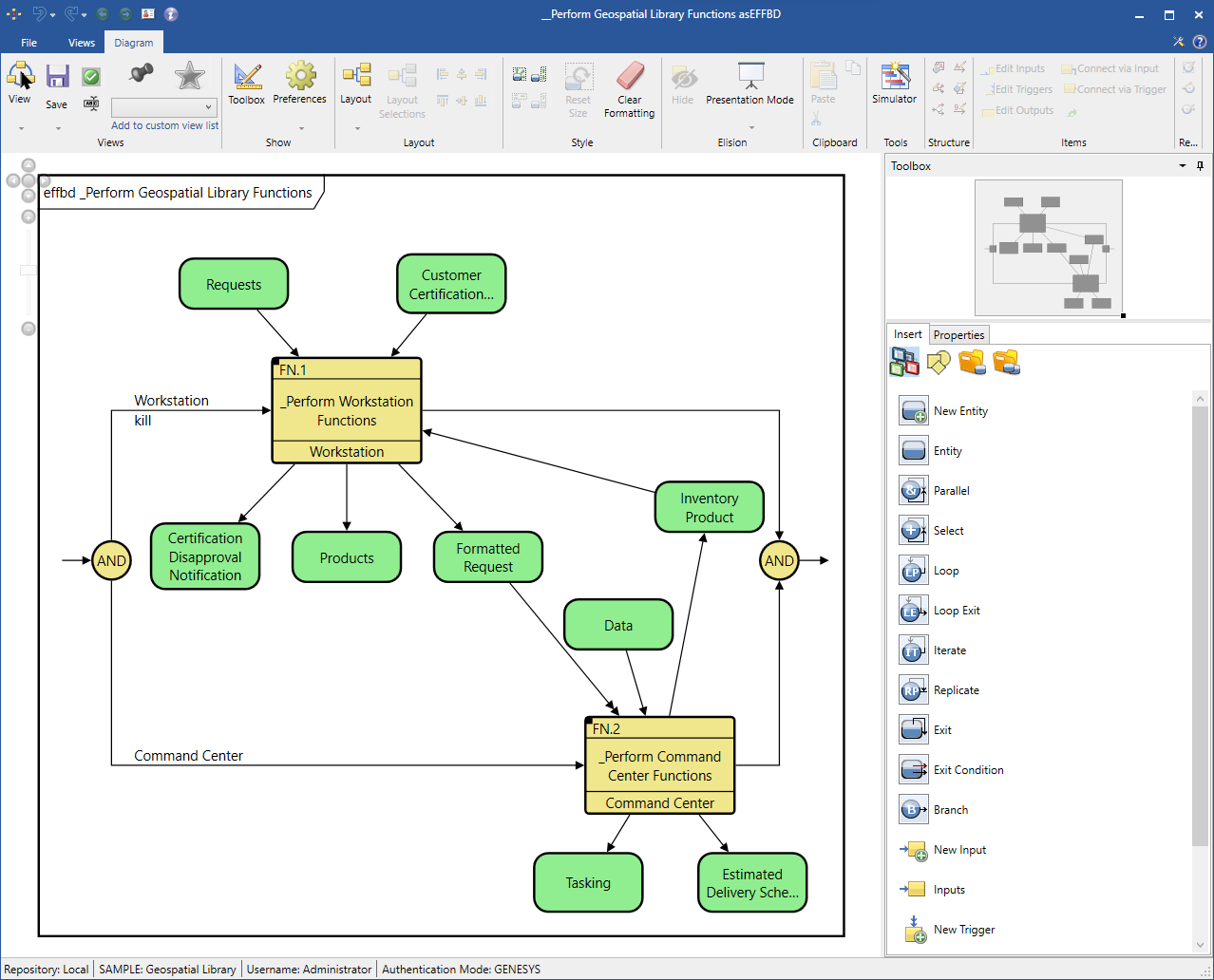
Users can create a new view based on the default layout of the diagram or based on another formatted view. See New View Based on Default View and New View Based on Formatted View.
Multiple View Commands
Multiple view commands include: